Monitor light bars vs desk lamps for small desks
A monitor light bar frees the desk space a lamp base eats, but only fits some screens. Compare footprint, glare, curved/ultrawide fit and power for small desks.
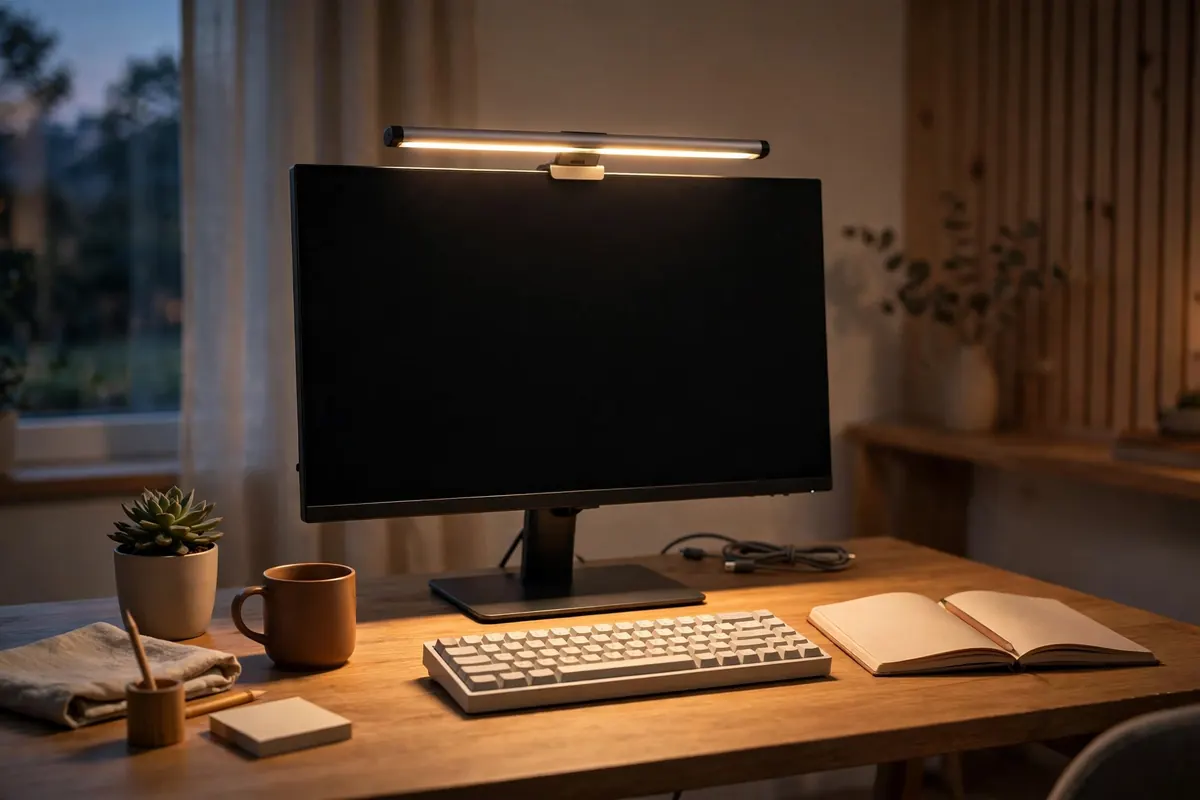
The real trade: footprint vs flexibility
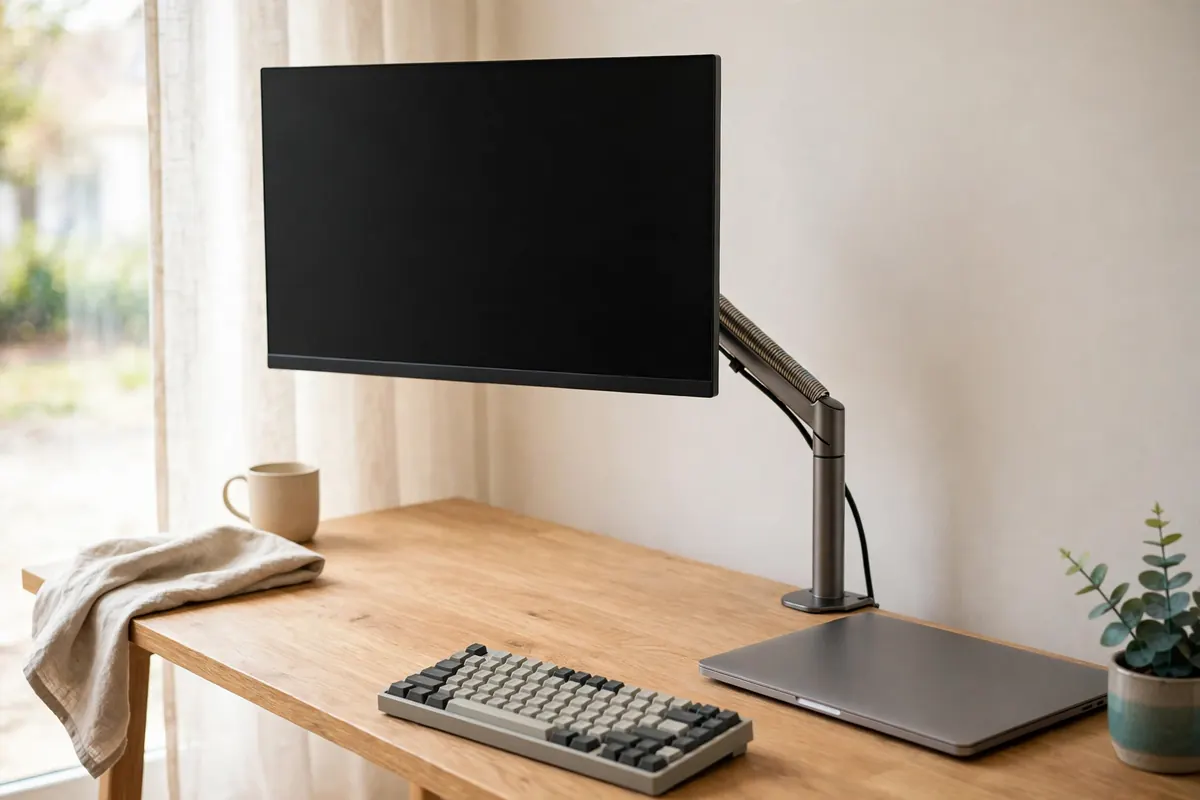
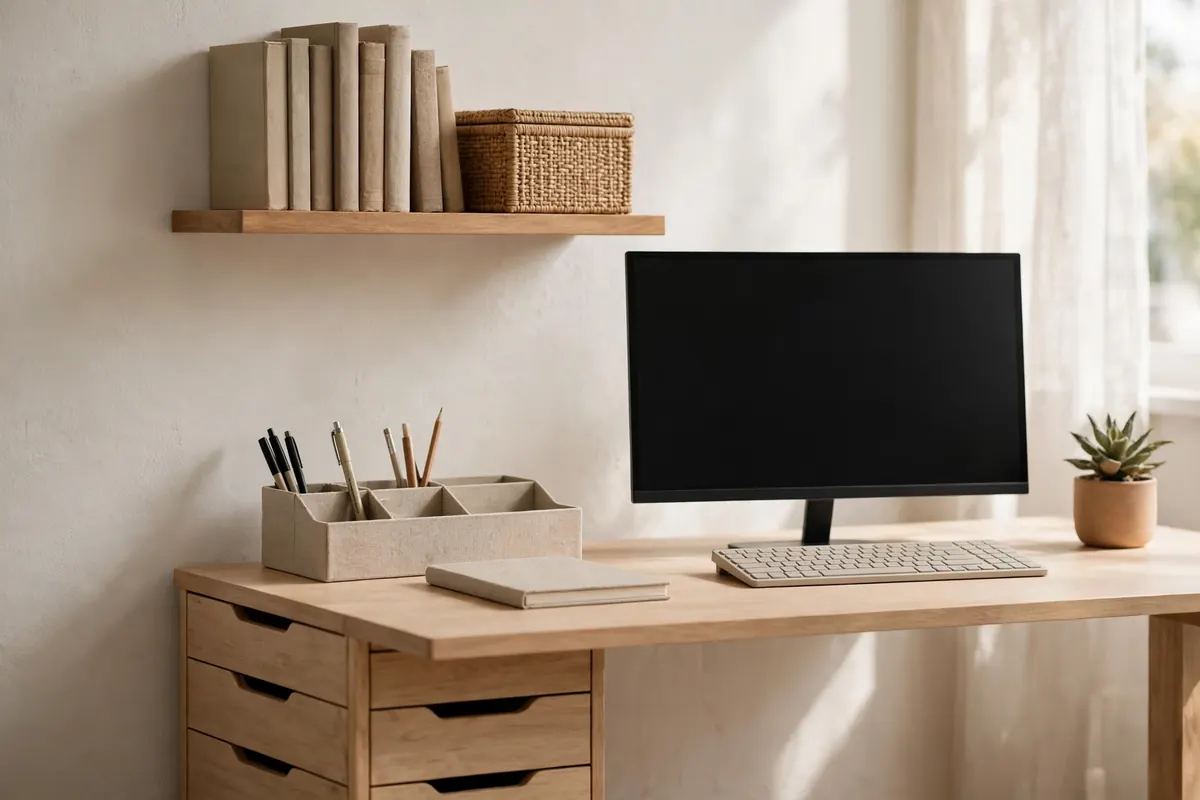
A desk lamp's base typically claims a circle of desk roughly the size of a small plate — space a small desk cannot spare. A monitor light bar claims none of it: it clamps to the top of the screen and throws light down onto the work area. The trade is that a lamp can be pointed anywhere (paperwork, a notebook, a wall), while a light bar only lights the zone in front of the screen.
Fit checks before you choose a light bar
| Check | Why |
|---|---|
| Screen thickness & bezel | The counterweight clamp needs a compatible top edge; very thin or curved backs can wobble |
| Curved / ultrawide screen | Some bars are rated only for flat screens, or need a curved-screen adapter |
| Webcam position | A centred bar and a centred webcam compete for the same spot |
| USB power | Most bars run from a USB port — check you have a spare port or a hub (see the USB-C hubs guide) |
| Glare control | Asymmetric optics aim light at the desk, not the screen; cheap bars without them can wash the display out |
When the lamp still wins
- You read and annotate paper away from the screen.
- Your monitor cannot take a clamp (some all-in-ones, very thick gaming screens).
- You need warm ambient light for the room, not task light for the desk.
Compromise that works on many small desks: a light bar for task light plus the room's existing lighting — and no lamp base at all.
US / UK note
USB-powered bars travel well between markets. Mains lamps do not: plug type and voltage differ, so buy lighting in the market you will plug it in.
Light bar vs desk lamp, at a glance
| Monitor light bar | Desk lamp | |
|---|---|---|
| Desk footprint | None — it clamps to the top of the screen | A base roughly the size of a small plate |
| What it lights | The zone in front of the screen | Anywhere you point it — paperwork, a notebook, a wall |
| Fit requirement | The screen must take the clamp: check thickness, bezel, and curved/ultrawide rating | None — it sits on any desk |
| Power | USB — needs a spare port or a hub | Mains — plug type and voltage are market-specific |
| Glare | Asymmetric optics aim light at the desk, not the screen | Depends on the shade and the angle you set |
Recommendations
Our picks
Every pick below was checked against this guide's own criteria — the measurements and fit checks above. Research-based: specifications verified against manufacturer and retailer listings, not hands-on tested. Prices are never printed here because they change; the buttons check the current price on Amazon. Last checked: 23 October 2026.
Quick verdict
Picks at a glance
| Product | Key measurements | Best for | Skip if |
|---|---|---|---|
| BenQ ScreenBar Plus (Matte Silver, with Desktop Dial) | Optics: Asymmetrical design — lights the desk, no screen glare · Controls: Wired desktop dial for brightness and hue | Most flat screens, if you want set-and-forget auto-dimming. | You also need light for paper away from the screen — a bar only lights the zone in front of it. |
| BenQ ScreenBar Halo 2 | Bar length: 19.7 in · Colour temperature: 2700K–6500K, CRI >95 | Curved or thick screens, and desks in dim rooms. | Your only spare USB port is a low-power monitor port — the manual's guidance calls for a strong USB-C source (5V/3A class). |
| Quntis Computer Monitor Lamp (40 cm) | Optics: Asymmetric — desk-only light, no screen glare · Adjustment: Stepless brightness and colour temperature | Smaller monitors where a full-length bar would overhang the screen. | You need a published curved-screen rating — the BenQ Halo 2 lists one; this bar's listing doesn't state one. |
BenQ ScreenBar Plus (Matte Silver, with Desktop Dial)
Zero desk footprint: the bar sits on the screen, and the only thing it adds to the desk is one small wired control dial.
Will it fit?
- Optics
- Asymmetrical design — lights the desk, no screen glare
- Controls
- Wired desktop dial for brightness and hue
- Colour temperature
- Adjustable (hue adjustment)
- Power
- USB
Best for: Most flat screens, if you want set-and-forget auto-dimming.
Skip if: You also need light for paper away from the screen — a bar only lights the zone in front of it.
Prices change — check before you buy.
BenQ ScreenBar Halo 2
Published fit ranges for curved and thick monitors, plus a rear backlight that softens screen-to-room contrast in small, dark rooms.
Will it fit?
- Bar length
- 19.7 in
- Colour temperature
- 2700K–6500K, CRI >95
- Lighting
- ASYM-Light front light plus rear backlight
- Controls
- Wireless controller; motion sensor; auto-dimming
Best for: Curved or thick screens, and desks in dim rooms.
Skip if: Your only spare USB port is a low-power monitor port — the manual's guidance calls for a strong USB-C source (5V/3A class).
Prices change — check before you buy.
Quntis Computer Monitor Lamp (40 cm)
A shorter 40 cm bar sized for the 24–27 in monitors typical on a sub-120 cm desk, on the same zero-footprint clamp-on principle.
Will it fit?
- Optics
- Asymmetric — desk-only light, no screen glare
- Adjustment
- Stepless brightness and colour temperature
- Colour rendering
- CRI up to Ra≥98
- Power
- USB
Best for: Smaller monitors where a full-length bar would overhang the screen.
Skip if: You need a published curved-screen rating — the BenQ Halo 2 lists one; this bar's listing doesn't state one.
Prices change — check before you buy.