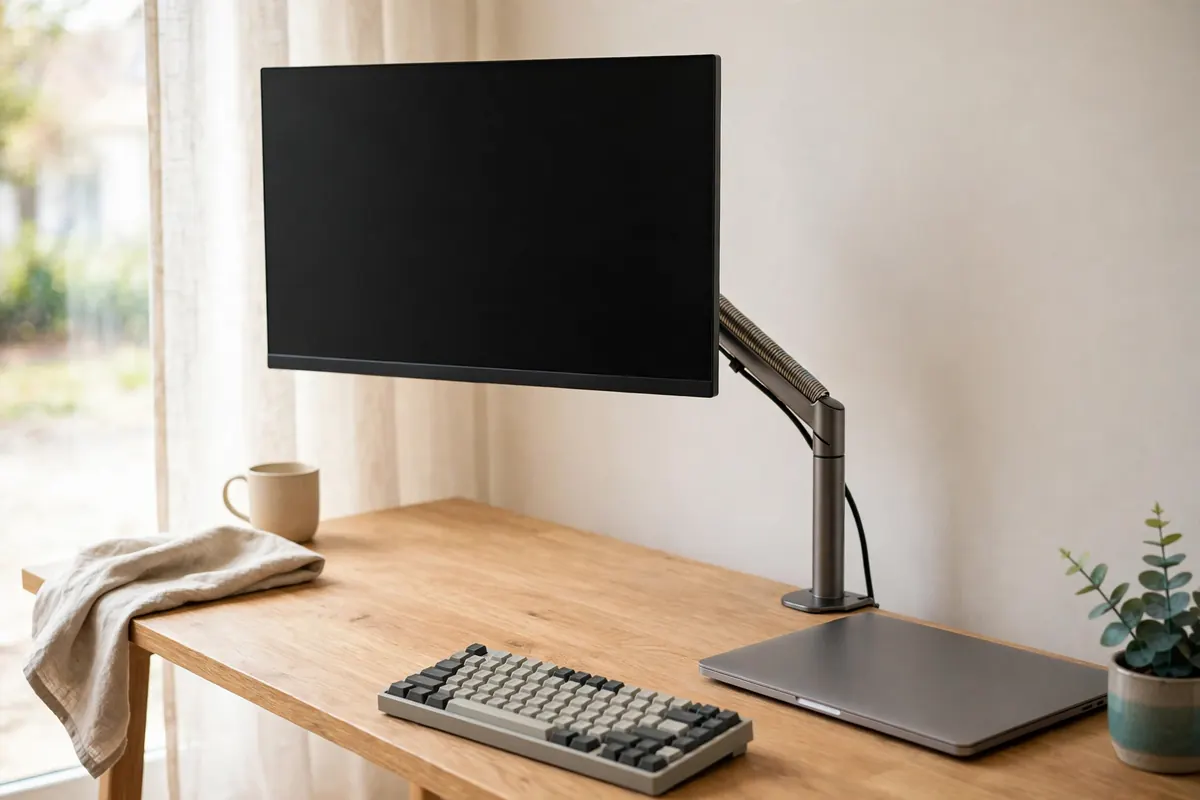
Under-desk cable management: tray, raceway or clips?
How to get power strips and cable slack off the floor of a small home office safely: under-desk trays, raceways and clips compared by fit, load and desk type.
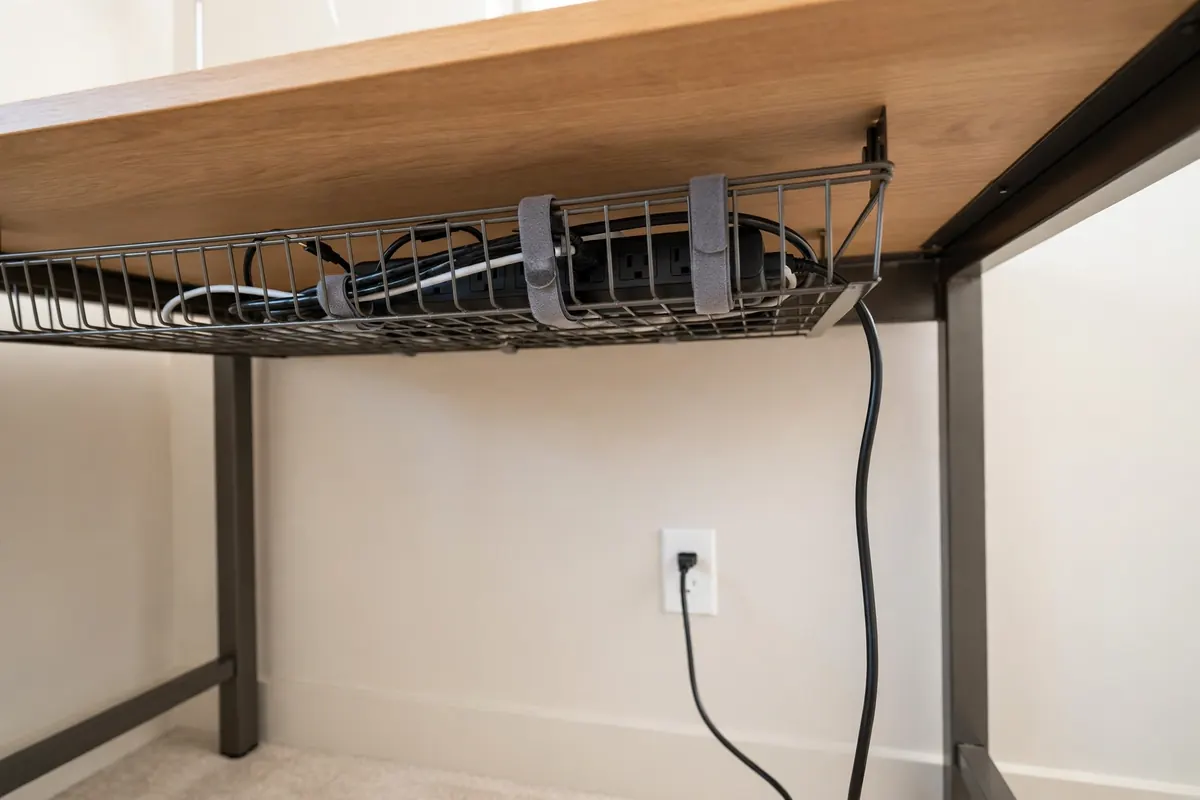
Start with safety, not tidiness
- Never overload a power strip, and keep bricks ventilated — a closed box full of hot adapters is a bad trade for a tidy floor.
- Keep cables off the floor where feet and chair casters roll, but leave slack for a sit-stand desk through its full travel.
- In the UK, use a properly fused strip; in the US, use a listed (UL/ETL) strip. Do not mix regions' plugs and adapters to save money.
Which fix fits which desk?
| Option | Best for | Watch out for |
|---|---|---|
| Under-desk tray | Holding a power strip + adapters off the floor | Screw vs clamp fitting; tray length vs strip length; knee clearance |
| Raceway (J-channel) | Running cables along the back edge | Adhesive fails on some desk undersides; measure the run first |
| Clips / anchors | One charging lead that keeps falling behind the desk | Solves one cable, not a power problem — do not scale it up |
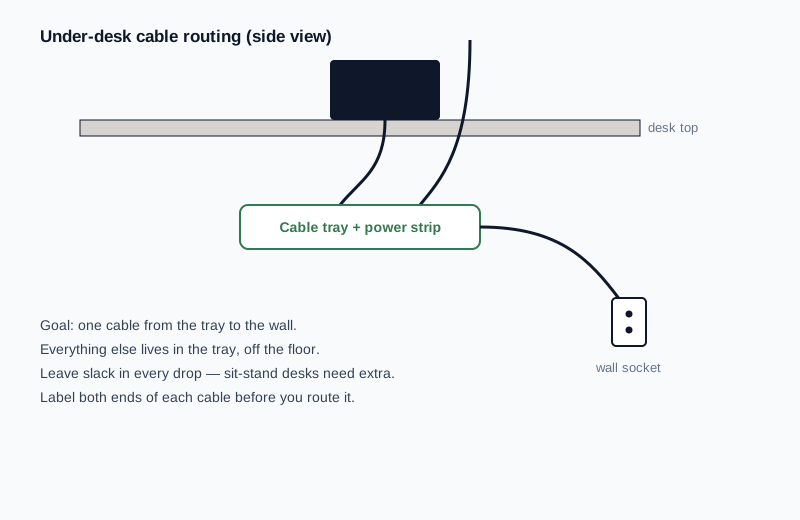
The small-desk rule
Remove before you organise: one strip, the cables you actually use daily, and nothing stored under the desk "just in case". A smaller cable load makes every option above cheaper and safer.
Recommendations
Our picks
Every pick below was checked against this guide's own criteria — the measurements and fit checks above. Research-based: specifications verified against manufacturer and retailer listings, not hands-on tested. Prices are never printed here because they change; the buttons check the current price on Amazon. Last checked: 23 October 2026.
Quick verdict
Picks at a glance
| Product | Key measurements | Best for | Skip if |
|---|---|---|---|
| UMTele 31.5 in No-Drill Steel Cable Management Tray | Construction: Steel tray / rack · Fitting: Clamp mount (no-drill) | Rented desks and anyone avoiding screw holes, with a standard strip to house. | Your desk's back edge is blocked by a frame or modesty panel — clamps need a clear edge. |
| Delamu 157 in Cable Hider Raceway Kit (10 sections) | Cover: Snap-on — reopens to add or remove cables · Profile: 0.95 in wide × 0.55 in high | Tidying the run of cables along the back edge of the desk. | You need to house the power strip itself — that is the tray's job, above. |
| Yaticrab Cable Management Clips (7-pack) | Mechanism: Auto-close spring — press, slide the cable in, it locks · Base: 360° rotating | A single charging lead that falls behind the desk. | You have a power-strip problem — clips solve one cable, not a power problem. |
UMTele 31.5 in No-Drill Steel Cable Management Tray
A 31.5 in clamp-mount steel tray that spans most of a small desk's back edge, so a power strip and its bricks sit in one ventilated run — no screw holes.
Will it fit?
- Construction
- Steel tray / rack
- Fitting
- Clamp mount (no-drill)
- Included
- Wire and cord organiser accessories
- Note
- Check the listing for its load rating before loading it up
Best for: Rented desks and anyone avoiding screw holes, with a standard strip to house.
Skip if: Your desk's back edge is blocked by a frame or modesty panel — clamps need a clear edge.
Prices change — check before you buy.
Delamu 157 in Cable Hider Raceway Kit (10 sections)
A snap-cover raceway in short 15.7 in sections that suit a short desk — it guides cables along the back edge rather than housing the power strip.
Will it fit?
- Cover
- Snap-on — reopens to add or remove cables
- Profile
- 0.95 in wide × 0.55 in high
- Honest note
- A snap-cover raceway, not an open J-channel — it does the same back-edge job with a lid
- Colour
- Black (paintable)
Best for: Tidying the run of cables along the back edge of the desk.
Skip if: You need to house the power strip itself — that is the tray's job, above.
Prices change — check before you buy.
Yaticrab Cable Management Clips (7-pack)
Exactly this guide's clip use-case: one charging lead that keeps dropping behind the desk, held at the edge — and not scaled up into a fake power solution.
Will it fit?
- Mechanism
- Auto-close spring — press, slide the cable in, it locks
- Base
- 360° rotating
- Adhesive
- Acrylic pads that peel off cleanly (renter-friendly)
- Cable size
- 0–8 mm (0.32 in) wires
Best for: A single charging lead that falls behind the desk.
Skip if: You have a power-strip problem — clips solve one cable, not a power problem.
Prices change — check before you buy.