Laptop stands for small desks: the external keyboard rule
A laptop stand only helps if you add an external keyboard and mouse. Fit, height range, footprint and fold-flat options for small desks explained.
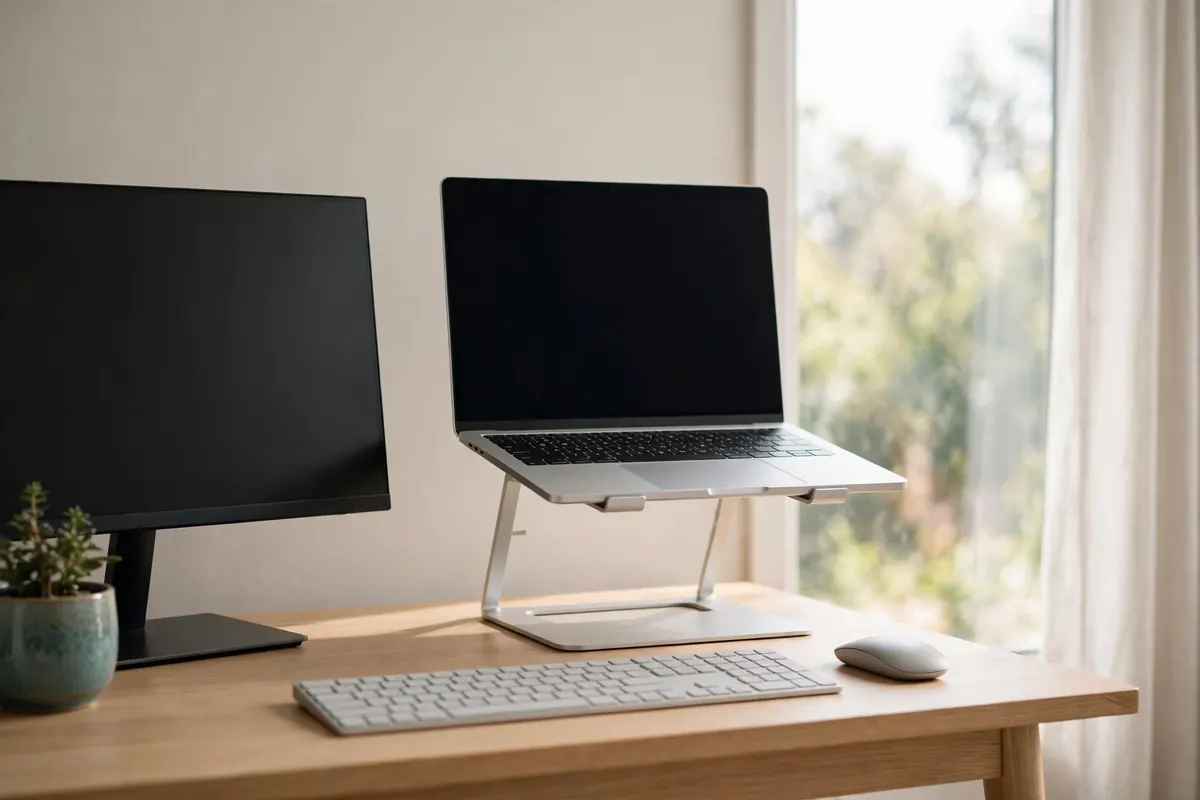
The rule first
Raising a laptop fixes your neck and breaks your wrists if you keep typing on it. A laptop stand is really a three-part purchase: stand + external keyboard + mouse/trackpad. If the budget or the desk only stretches to one part, a stand used with the laptop as a second screen (typing on a separate keyboard below) is the honest setup — or skip the stand.
Fit checks
| Check | Small-desk note |
|---|---|
| Footprint when open | Some stands are deeper than a shallow desk allows once a keyboard is in front |
| Height / angle range | Top of screen near eye level is the goal; fixed stands offer one height only |
| Fold-flat thickness | Matters if the desk is also a dining table — the stand must live in a drawer |
| Weight & stability | Very light stands can creep when you plug/unplug cables |
| Ventilation | Open-frame designs suit laptops that vent underneath |
Stand types, quickly
- Fixed riser: cheapest, sturdy, one height. Measure your seated eye height first.
- Adjustable: flexible for sit/stand or shared desks; hinges vary in stiffness.
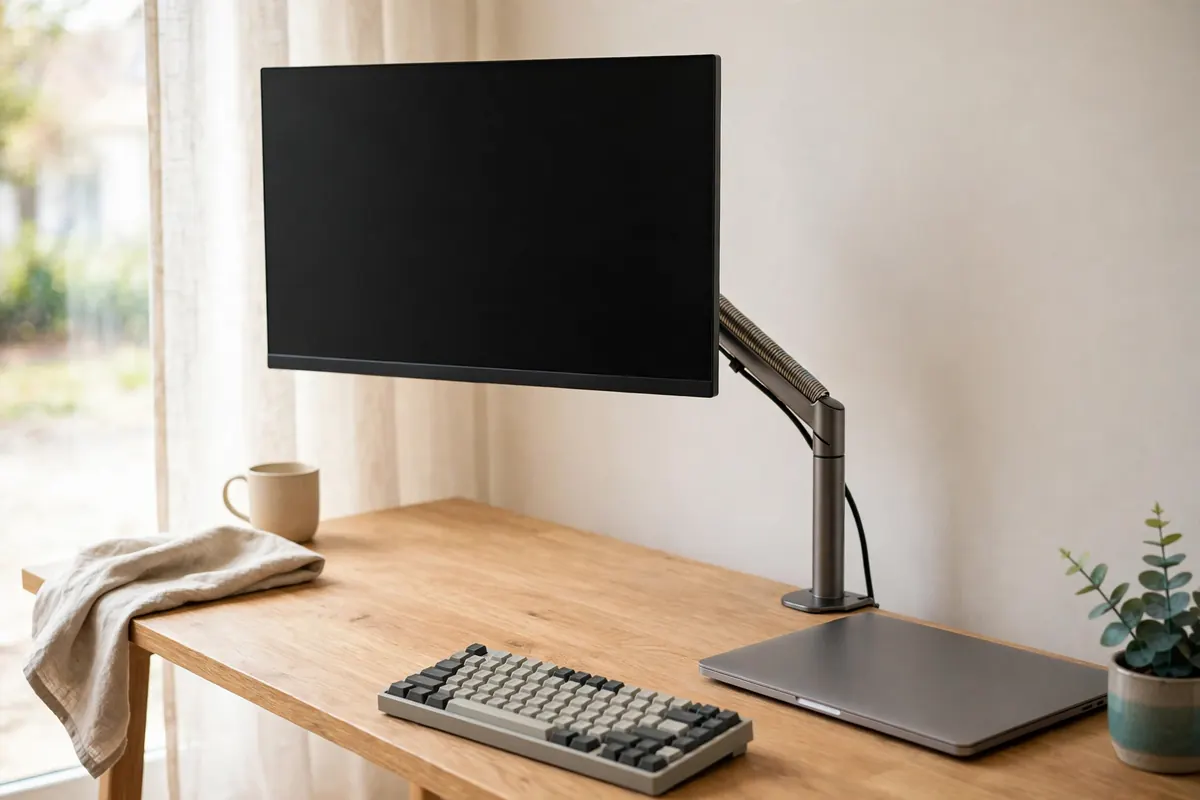
- Vertical dock stand: stores the laptop upright, closed, driving an external monitor — the biggest space saving of all, but needs monitor + hub budget.
Pair this with the measurement guide before ordering: desk depth is the number that decides which type survives.
Recommendations
Our picks
Every pick below was checked against this guide's own criteria — the measurements and fit checks above. Research-based: specifications verified against manufacturer and retailer listings, not hands-on tested. Prices are never printed here because they change; the buttons check the current price on Amazon. Last checked: 23 October 2026.
Quick verdict
Picks at a glance
| Product | Key measurements | Best for | Skip if |
|---|---|---|---|
| Rain Design mStand (10075, Black) | Construction: Single-piece aluminium (also acts as a heat sink) · Stand weight: 3 lb | One laptop on one desk, set once at the right height. | You need different heights for sitting and standing — this is a single fixed height. |
| Nexstand K2 Foldable Laptop Stand | Laptop fit: 10–17 in laptops with a front edge under 2.2 cm · Load: Supports up to 9 kg (20 lb) | Desks that double as dining tables, and anyone who carries their stand in a laptop bag. | Your laptop's front edge is thicker than 2.2 cm. |
| Twelve South BookArc Flex (Black) | Use: Closed-laptop (clamshell) mode with external monitor, keyboard and mouse · Fit guidance: Best suited to laptops up to 14 in (brand copy allows screens up to 16 in) | Laptop-as-desktop setups where the laptop can slide behind the monitor. | You use the laptop's own screen — this stand is for closed-laptop use only. |
Rain Design mStand (10075, Black)
One piece of aluminium at a fixed 5.9 in lift — and your keyboard stashes underneath it when you're not typing.
Will it fit?
- Construction
- Single-piece aluminium (also acts as a heat sink)
- Stand weight
- 3 lb
- Storage
- Keyboard stash underneath
- Cable detail
- 2 in rear cable-management hole
Best for: One laptop on one desk, set once at the right height.
Skip if: You need different heights for sitting and standing — this is a single fixed height.
Prices change — check before you buy.
Nexstand K2 Foldable Laptop Stand
Folds into a 4 cm-square stick that lives in a drawer, yet still offers eight real height settings when open.
Will it fit?
- Laptop fit
- 10–17 in laptops with a front edge under 2.2 cm
- Load
- Supports up to 9 kg (20 lb)
- Material
- Reinforced glass-fibre nylon
- Ventilation
- Open frame — the laptop's underside stays ventilated
Best for: Desks that double as dining tables, and anyone who carries their stand in a laptop bag.
Skip if: Your laptop's front edge is thicker than 2.2 cm.
Prices change — check before you buy.
Twelve South BookArc Flex (Black)
Stores the laptop upright and closed for use with an external monitor — its desk footprint shrinks to little more than the laptop's own thickness.
Will it fit?
- Use
- Closed-laptop (clamshell) mode with external monitor, keyboard and mouse
- Fit guidance
- Best suited to laptops up to 14 in (brand copy allows screens up to 16 in)
- Base
- Aluminium with non-slip silicone pads
- Adjustment
- Self-adjusting slot
Best for: Laptop-as-desktop setups where the laptop can slide behind the monitor.
Skip if: You use the laptop's own screen — this stand is for closed-laptop use only.
Prices change — check before you buy.